
Let each owner choose their route
They can use the private link, send booking email or optionally connect the iCal feed from their existing booking system. No account required.
The booking inbox for holiday-let cleaners
Stop copying dates from WhatsApp, email, screenshots and spreadsheets. Owners can use a private link, booking email or an optional iCal feed; clear bookings flow into one diary.
Example September calendar showing green check-ins, orange check-outs, red same-day turnarounds and note badges.
Take back your Sunday evenings
Changeover Master is holiday-let cleaning calendar software for companies that manage changeovers across multiple client properties. It collects owner booking information from the formats people already use and turns it into one operational diary.
Texts, emails, PDFs and spreadsheets all make sense to the sender. For the cleaning company, they create repeated data entry, unclear changes and the risk that one checkout never reaches the diary.
A shorter route to a reliable diary
Owners send the bookings they already have. You get clear changeover dates in one diary.
They can use the private link, send booking email or optionally connect the iCal feed from their existing booking system. No account required.
Complete stays are prepared consistently. Uncertain dates and changes stay attached to the original source for a decision.
See what is waiting, what is confirmed, who is on each changeover, and what the next seven days demand across every property.
Don’t take our word for it
Paste a booking message and see the arrival date, departure date and guest count in a clear preview. Any uncertain details are flagged for you to check. It’s free and won’t change your live diary.
Built for the morning check
The booking inbox leads with unresolved owner updates, today’s changeovers and the next seven days—so the office knows what needs a decision before the cleaning team starts.
Example September calendar showing green check-ins, orange check-outs, red same-day turnarounds and note badges.
From the diary to the door
A checkout in the diary still has to be cleaned. Name who is going, hand them the details on their phone, watch the list fill in, open the photos of the finished rooms, see a problem if they report one, get a short email when the clean is done, and see At risk if it may miss the next check-in.
Keep your cleaners on one page, then assign one person to each changeover. The day shows who is going, and which jobs still need someone.
Each cleaner has a private link. No login and no app. It shows the address, the check-out, the next check-in and the access notes for the jobs you gave them. You copy the link and pass it on.
Set the checklist once for the workspace, or a different list for a property that needs its own. They tick items on the link. The changeover shows how far the clean has got.
On the same link, the cleaner adds a photo of the finished clean. You see the photo count and the pictures on the changeover. The photos stay private.
From that link, the cleaner reports a problem with the property. The diary, the month and the next seven days show the flag. You read the report on the booking, and an owner or manager marks it resolved. Nothing is emailed.
When the cleaner marks the clean done, the account owner for that workspace gets one short email: the property, the cleaner, the time, the checklist count, the photo count and any open problems. The pictures are not attached. A link opens the changeover. An account owner can turn these emails off on the Cleaners page.
The account owner for that workspace gets one email for each reason. If a clean has not been marked done by a cutoff before the next check-in, that is one reason. The cutoff is 2 hours before check-in, and an account owner can change it on the Cleaners page, from 30 minutes to 12 hours. If today’s changeover has no cleaner assigned, that is the other reason. The diary and the booking page show At risk before check-in, and Late once that time has passed. An account owner can turn these emails off on the Cleaners page.
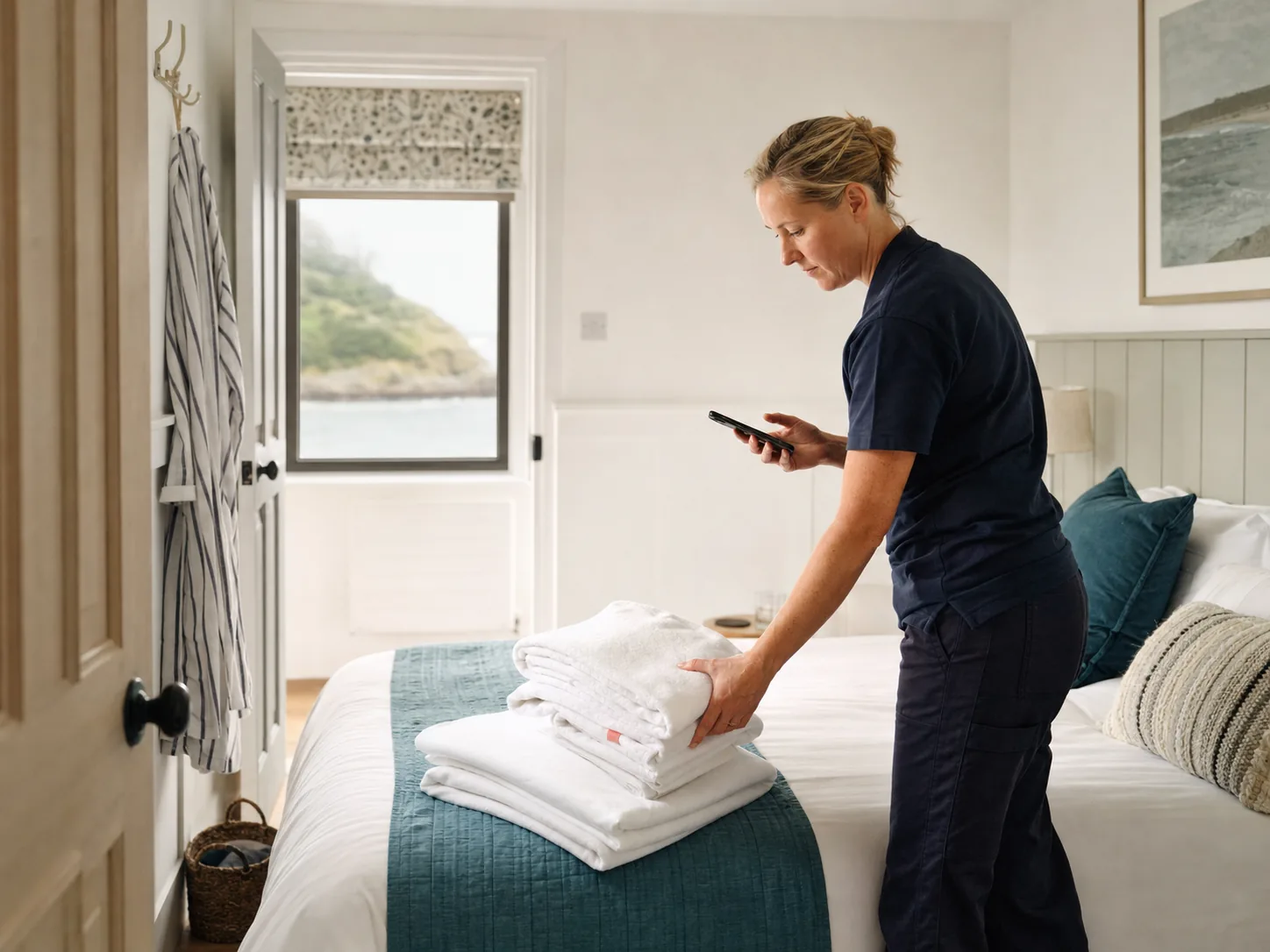
Made for the work between checkout and check-in
The owner keeps sending the information they already have. The office sees exactly what was received, checks anything uncertain and stops rebuilding the diary by hand.
Trust is part of the workflow
Check any booking against the message or file it came from. You can see who sent it, when it arrived and whether it needs your attention.
Your booking documents are stored privately, with access restricted to your company.
Uncertain information stays out of the working diary until the cleaning company decides.
Forms ask for operational details and discourage unnecessary personal or payment information.
From booking to clean
See how to collect an owner's whole schedule, check a date change and plan a same-day turnaround without losing the original booking source.
Explore the guidesStraight answers
No. Each owner receives a private submission link. They do not install an app, create a password or see the cleaning company’s other clients.
No. Add them on the Cleaners page and assign one person to each changeover. You share a private link, which they open on their phone. It shows the address, the check-out, the next check-in and the access notes for their jobs. They tick the checklist there, and the changeover shows the progress, such as 8 of 12. They can add a photo of the finished clean. You see the photo count and the pictures on the changeover. The photos stay private.
On the job link they report it. They choose damage, missing or low supplies, maintenance, cleanliness or guest mess, or other, and write a short note. You see a flag on the changeover, such as 1 open problem, in the diary, the month and the next seven days. The report is on the booking. An owner or manager can mark it resolved, with a note if they want one. Nothing is emailed.
When the cleaner marks the clean done, the account owner for that workspace gets one short Clean done email. It names the property, the cleaner and the time. It includes the checklist count, the photo count and any open problems. The pictures are not attached. A link opens the changeover. An account owner can turn these emails off on the Cleaners page.
The account owner for that workspace gets one email for each reason. If a clean has not been marked done by a cutoff before the next check-in, that is one reason. The cutoff is 2 hours before check-in, and an account owner can change it on the Cleaners page, from 30 minutes to 12 hours. If today’s changeover has no cleaner assigned, that is the other reason. The diary and the booking page show At risk before check-in, and Late once that time has passed. An account owner can turn these emails off on the Cleaners page.
Yes. Owners can paste a whole list of stays. File uploads are paused for new online workspaces while we finish the safeguards.
You can keep your existing booking platform. Owners send their schedules through a private link, and Changeover Master helps your cleaning company turn those dates into a clear changeover diary.
It stays in the booking inbox with its original source and is flagged for confirmation. You can check the source and confirm the correct dates before the stay is scheduled.
Plans start at £19 a month for up to 10 active properties, and every plan includes unlimited cleaners and staff. Plus is £39 for 25, Growth is £69 for 50 and Pro is £129 for 100. First, explore your workspace free for 30 days with your whole portfolio. No card is needed. Afterwards, up to two properties stay free. Annual plans include free done-for-you onboarding.
Your bookings. Your free trial.
Explore the workspace for 30 days with your whole portfolio. Afterwards, up to two properties stay free. Free owner setup help is available when you want it.